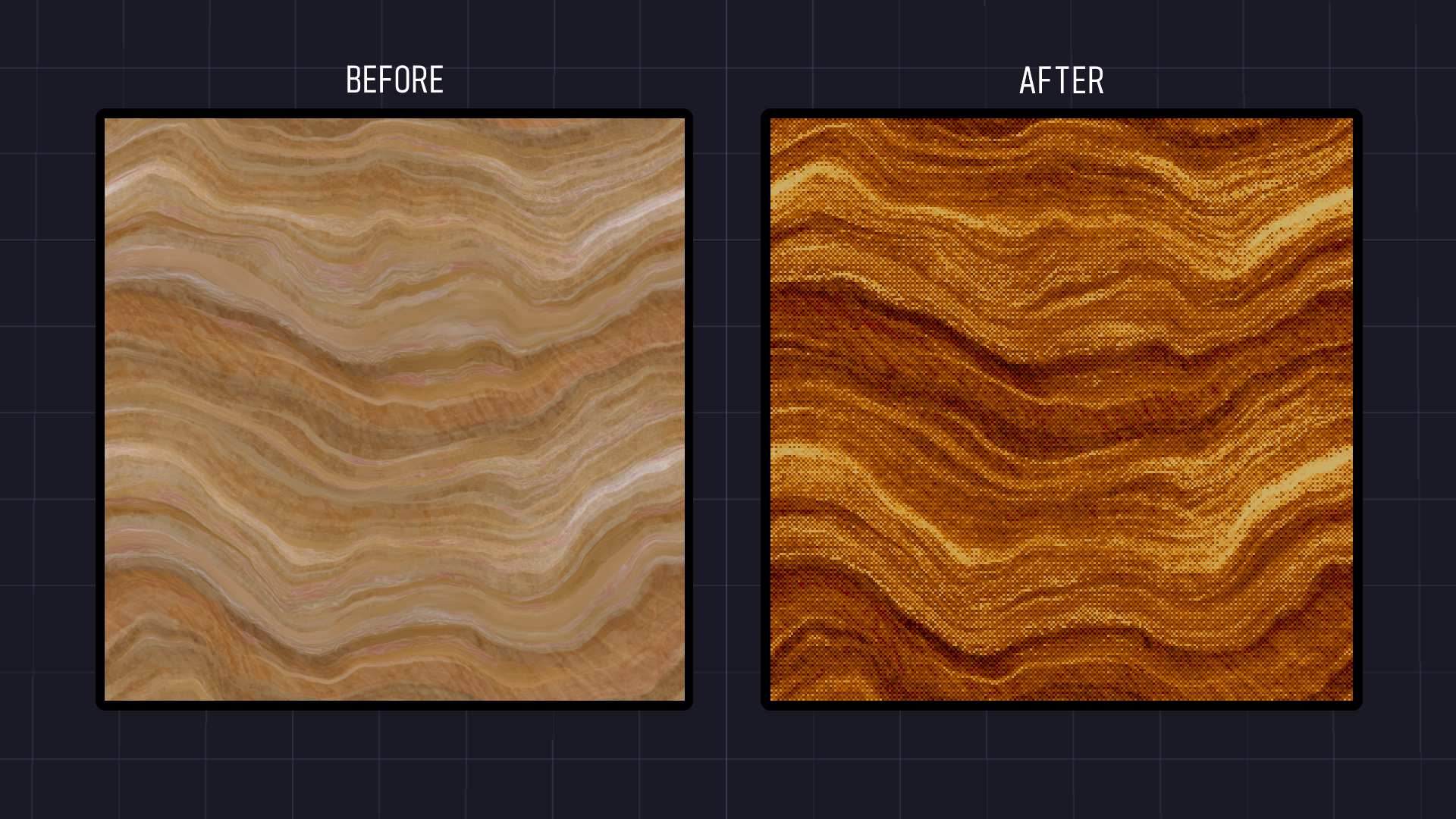
Coolifier + Texture Ripper
About
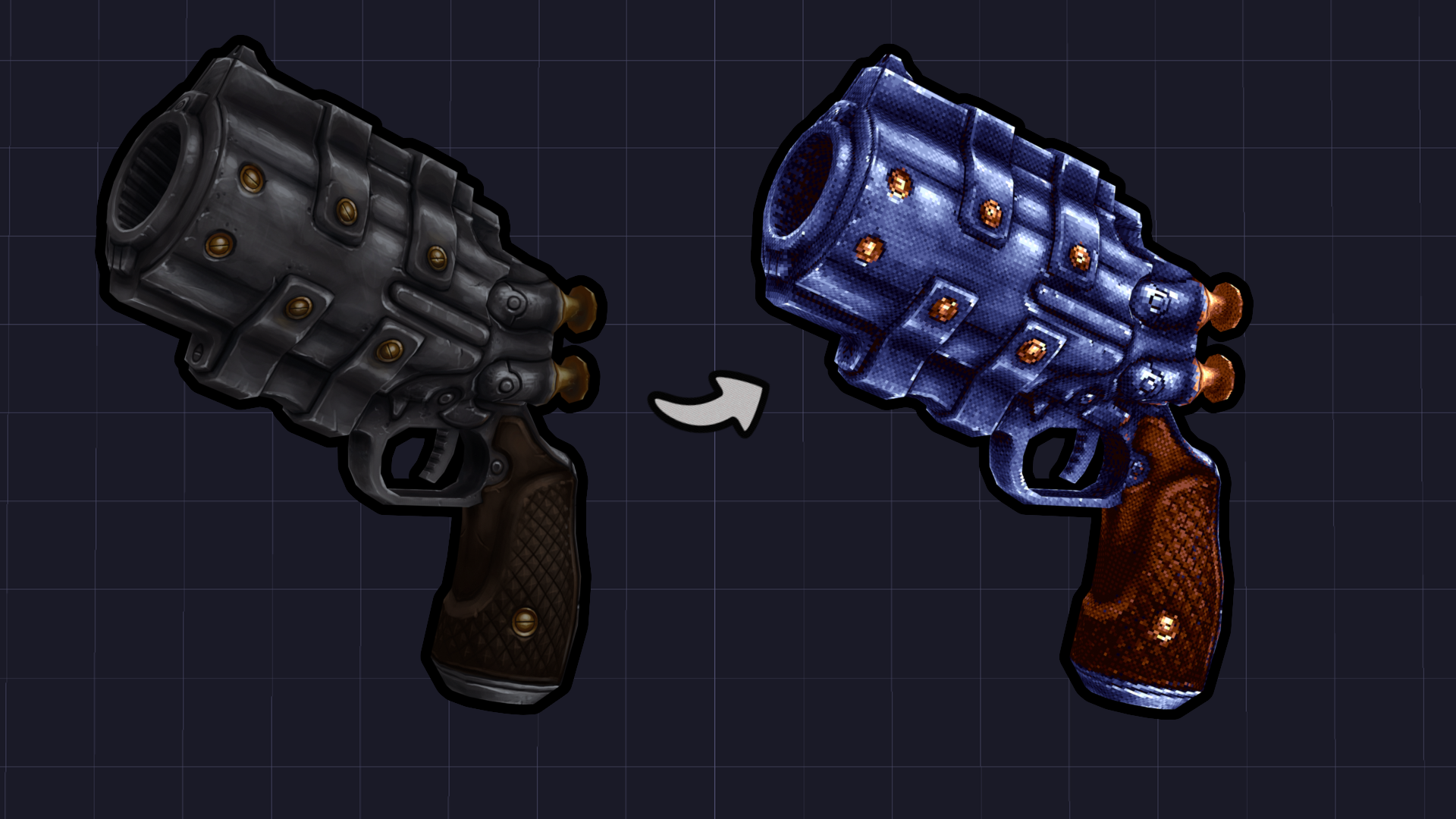
This is a stylization tool for game developers. Apply filters with real-time preview, edit in 3D or Image Editing modes, and export! It also doesn't use AI.

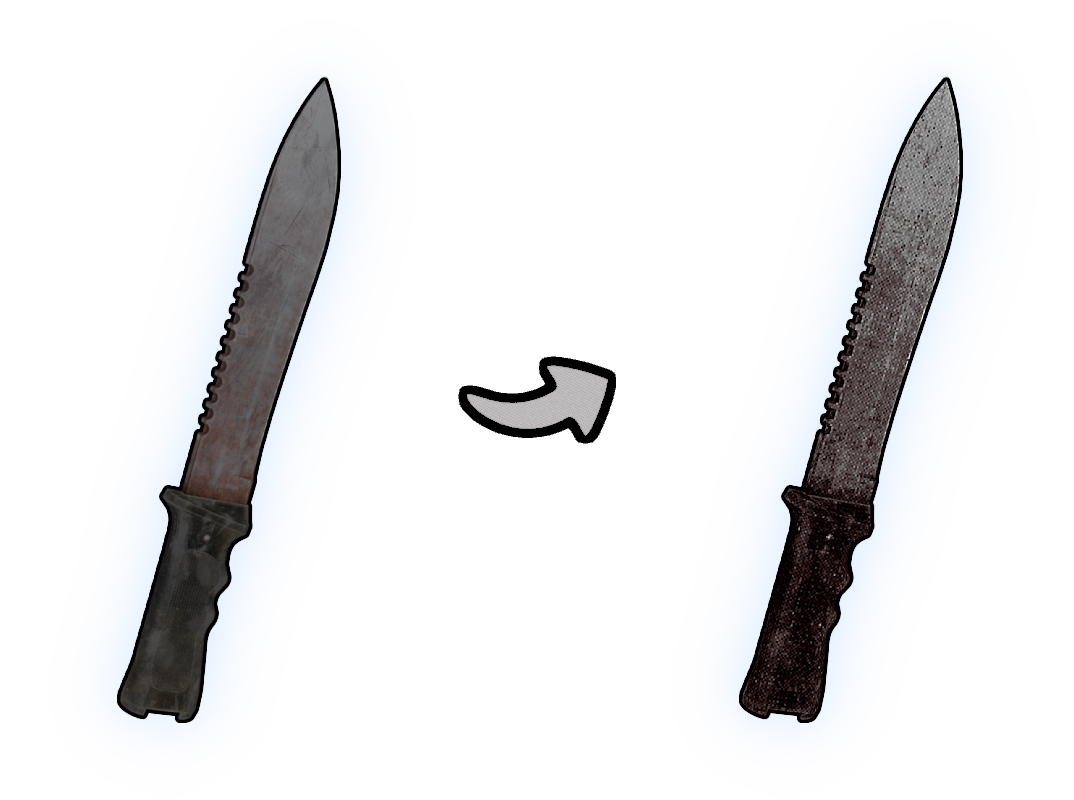
Import your own models in .OBJ, .GLB and .FBX formats. Animations are not supported. The software can also be used for sprites, texts, user interface (UI) and much more!
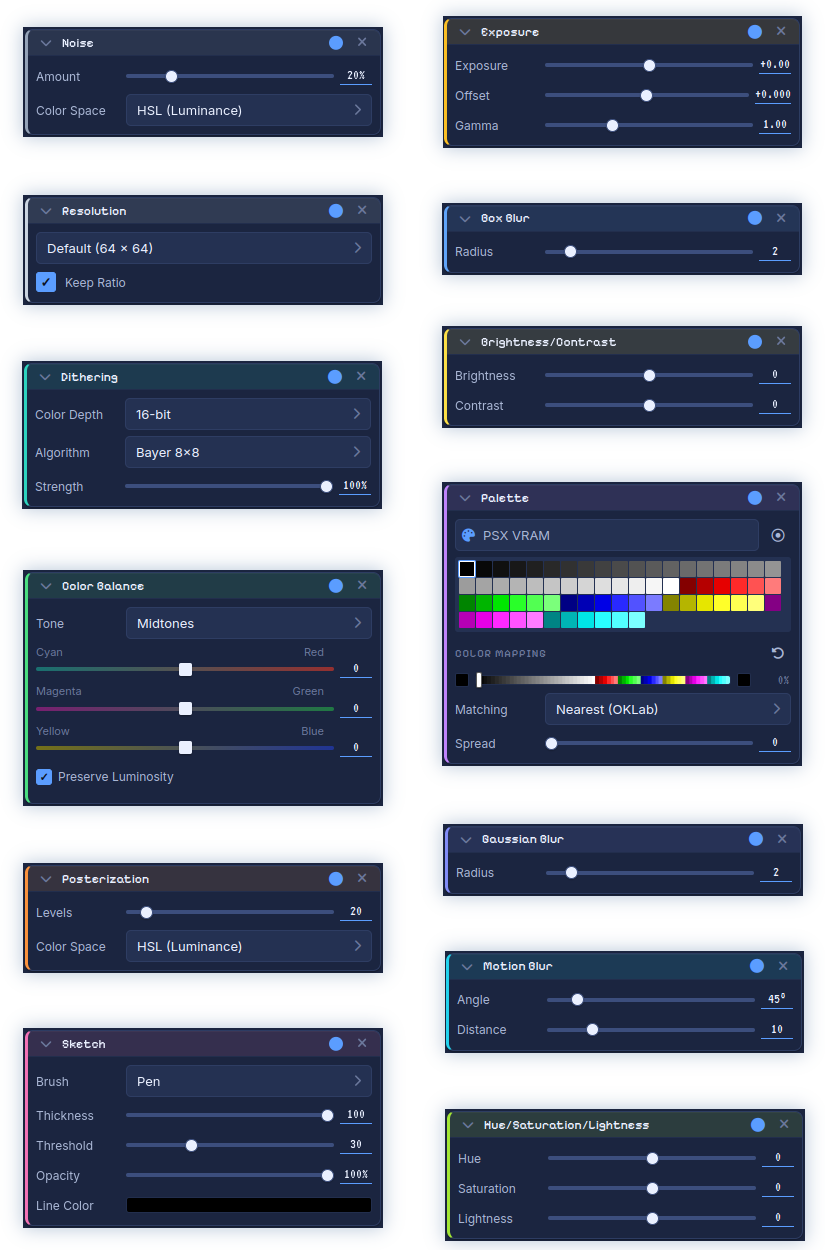
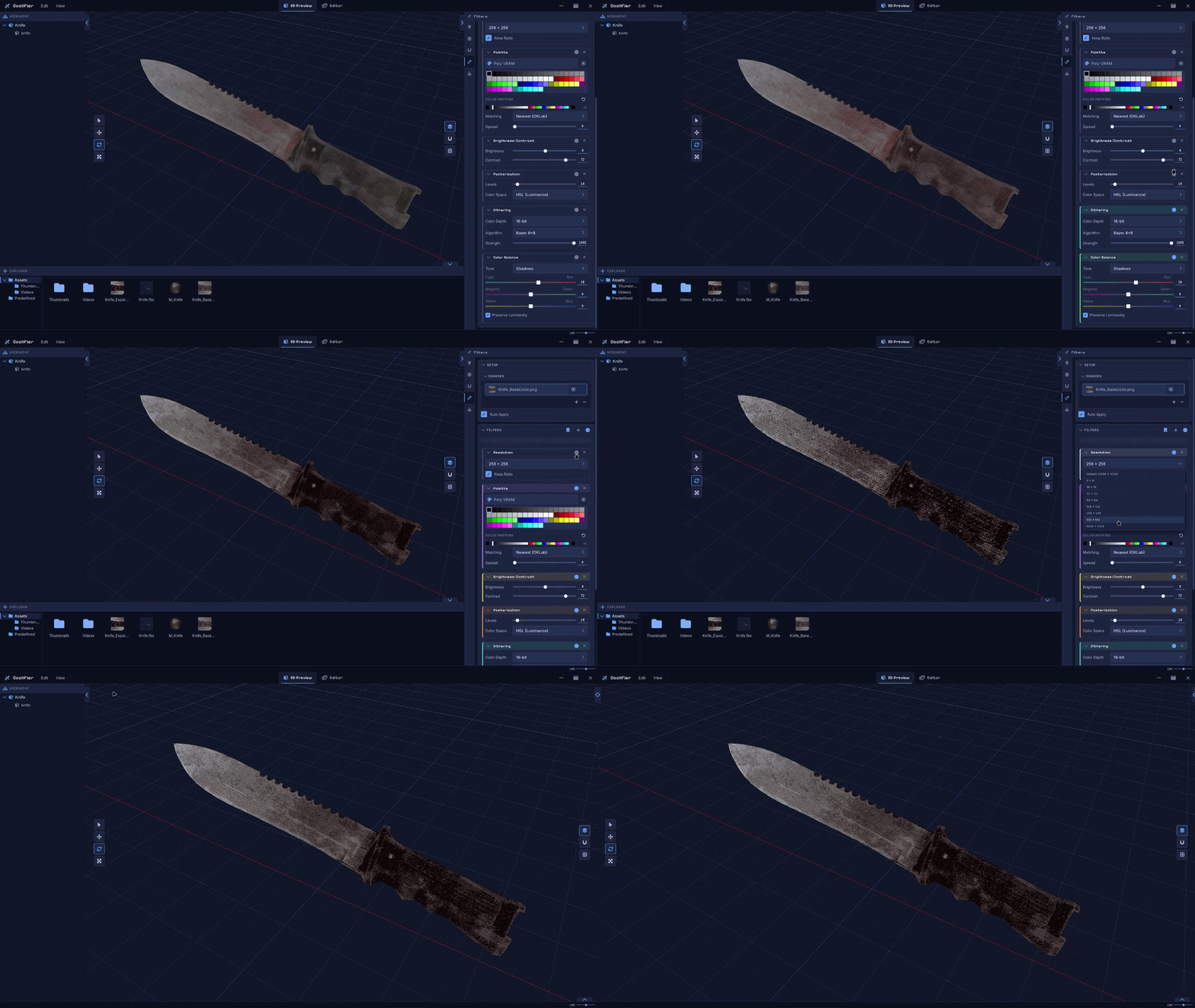
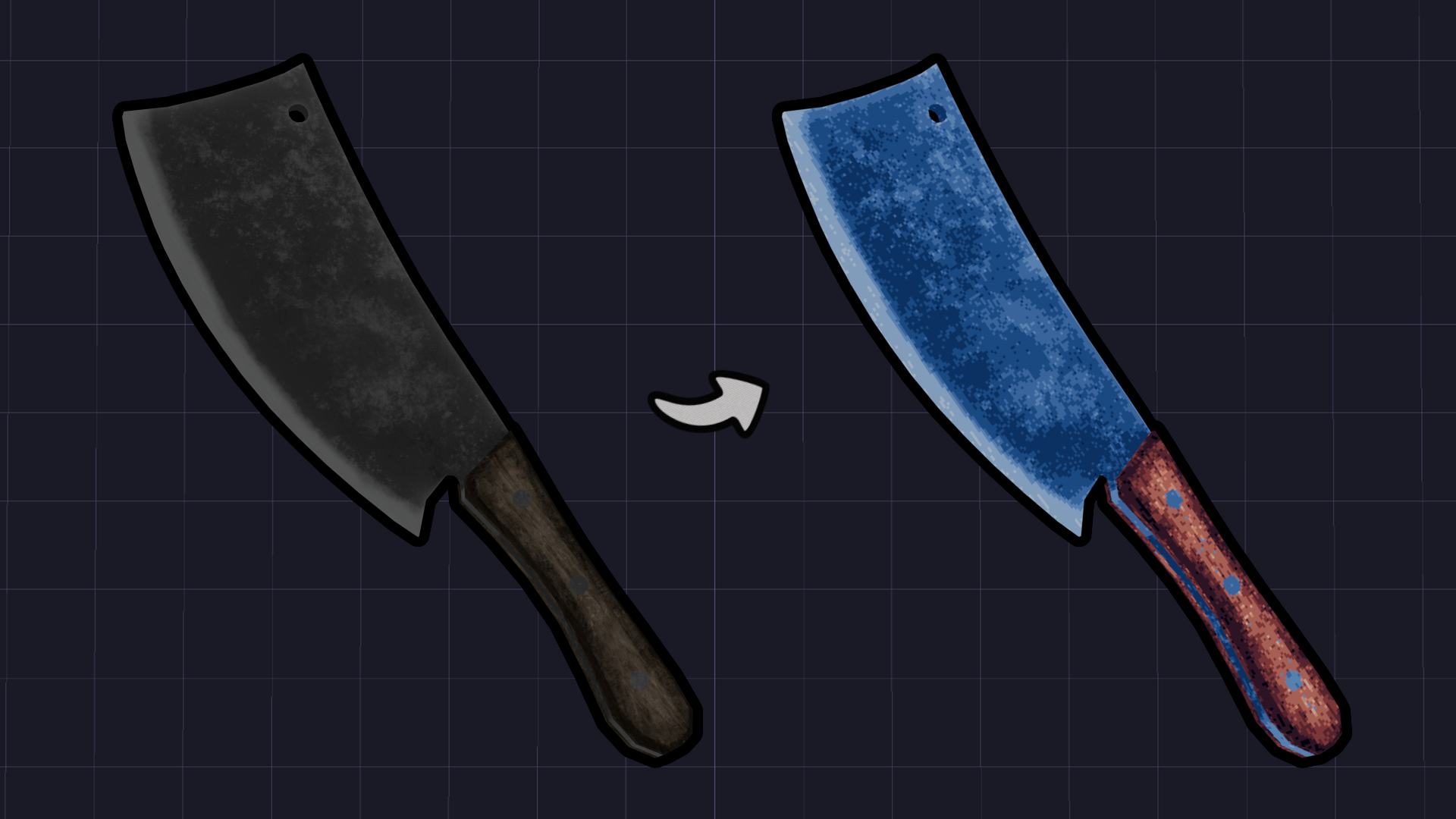
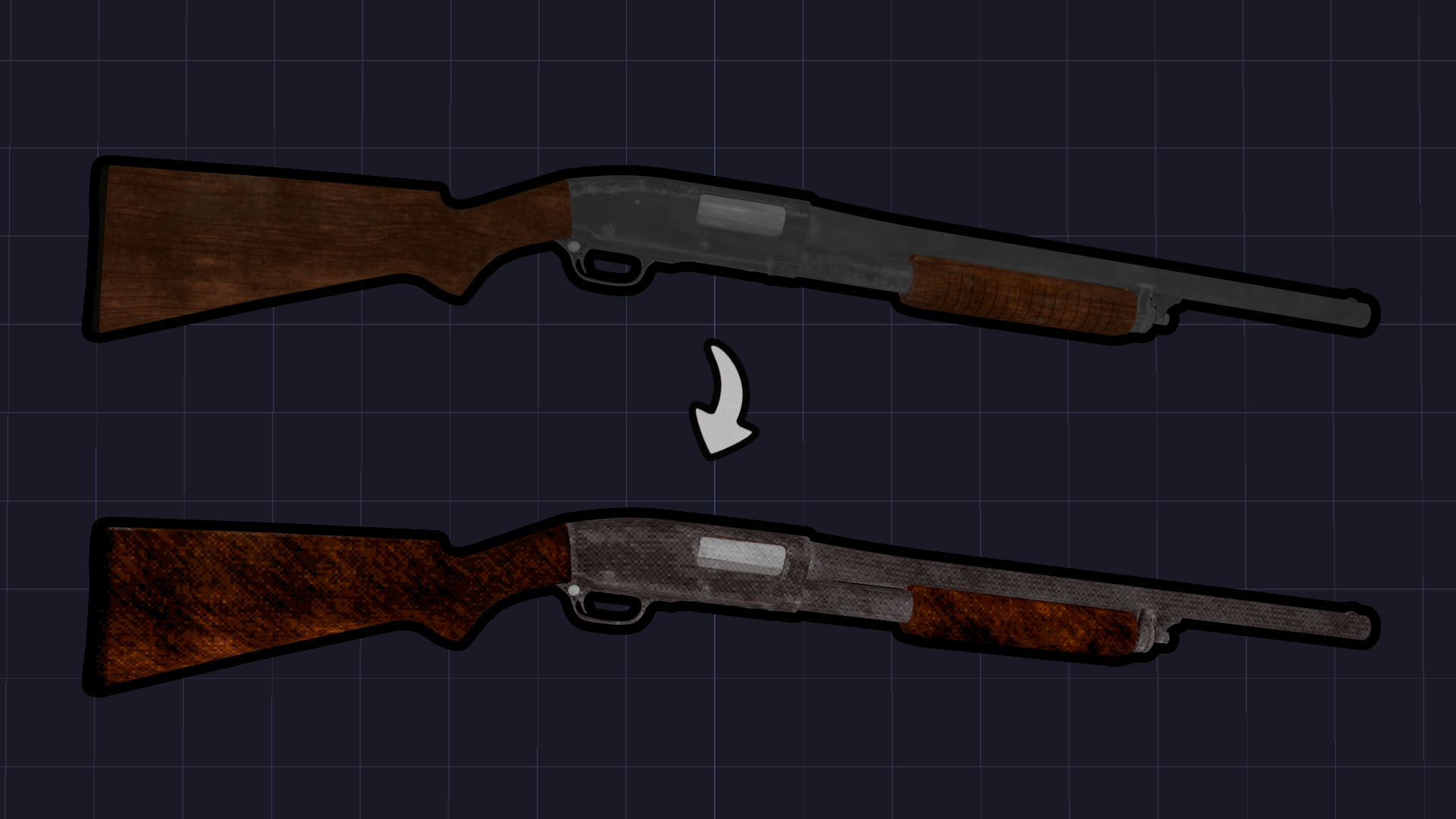
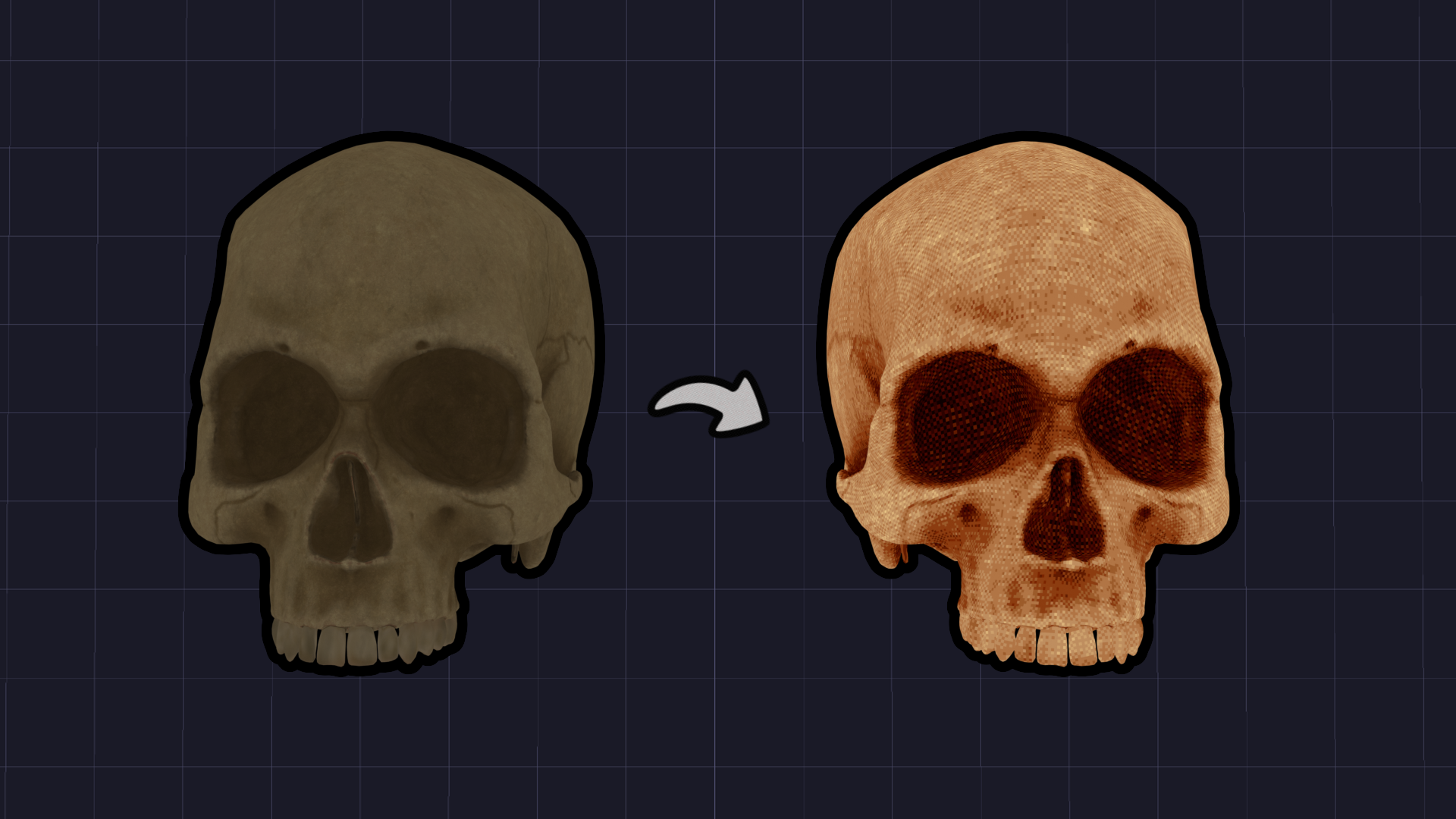
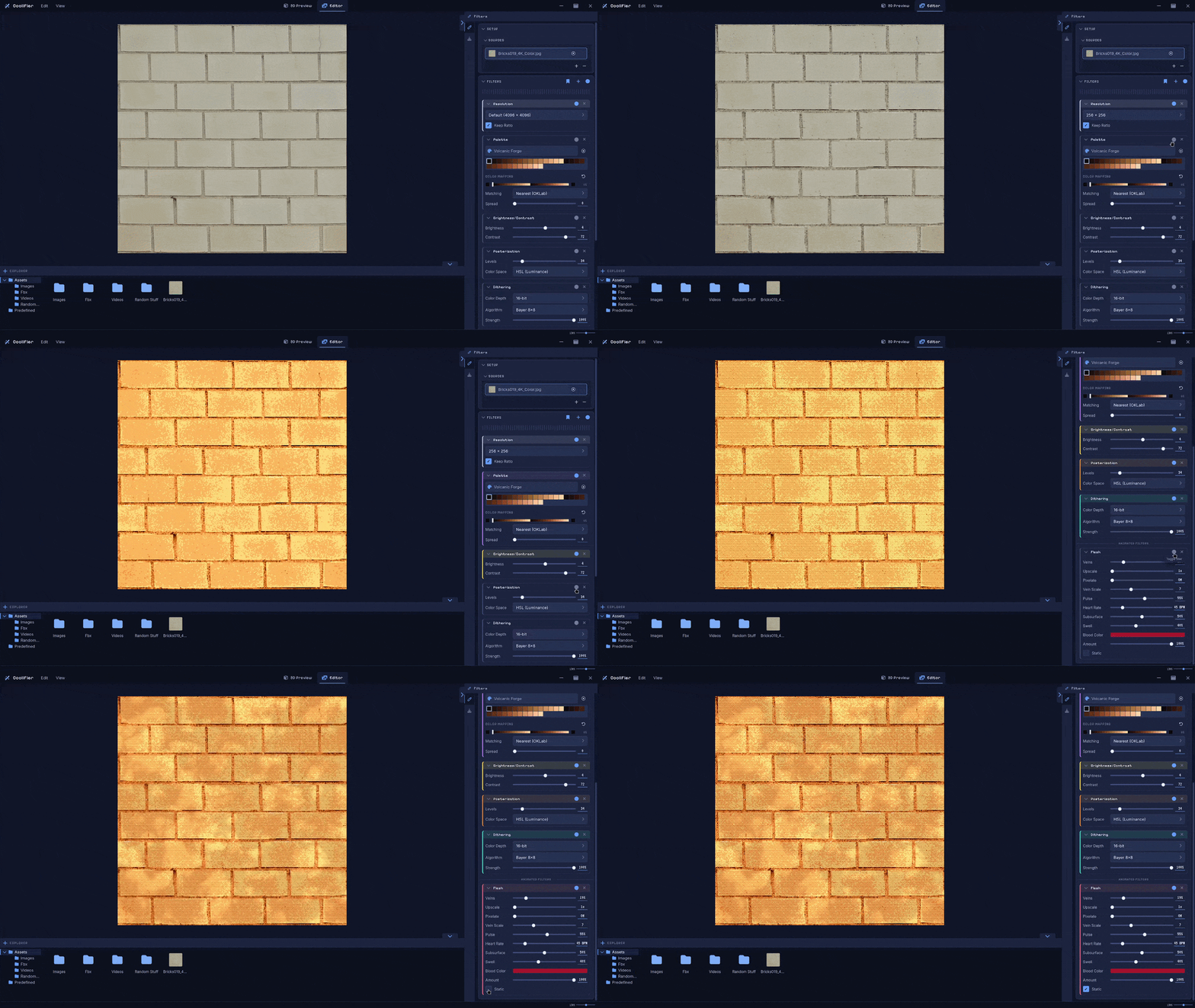
Apply a chain of 30+ filters to any asset. You can change their order to create unique variations!
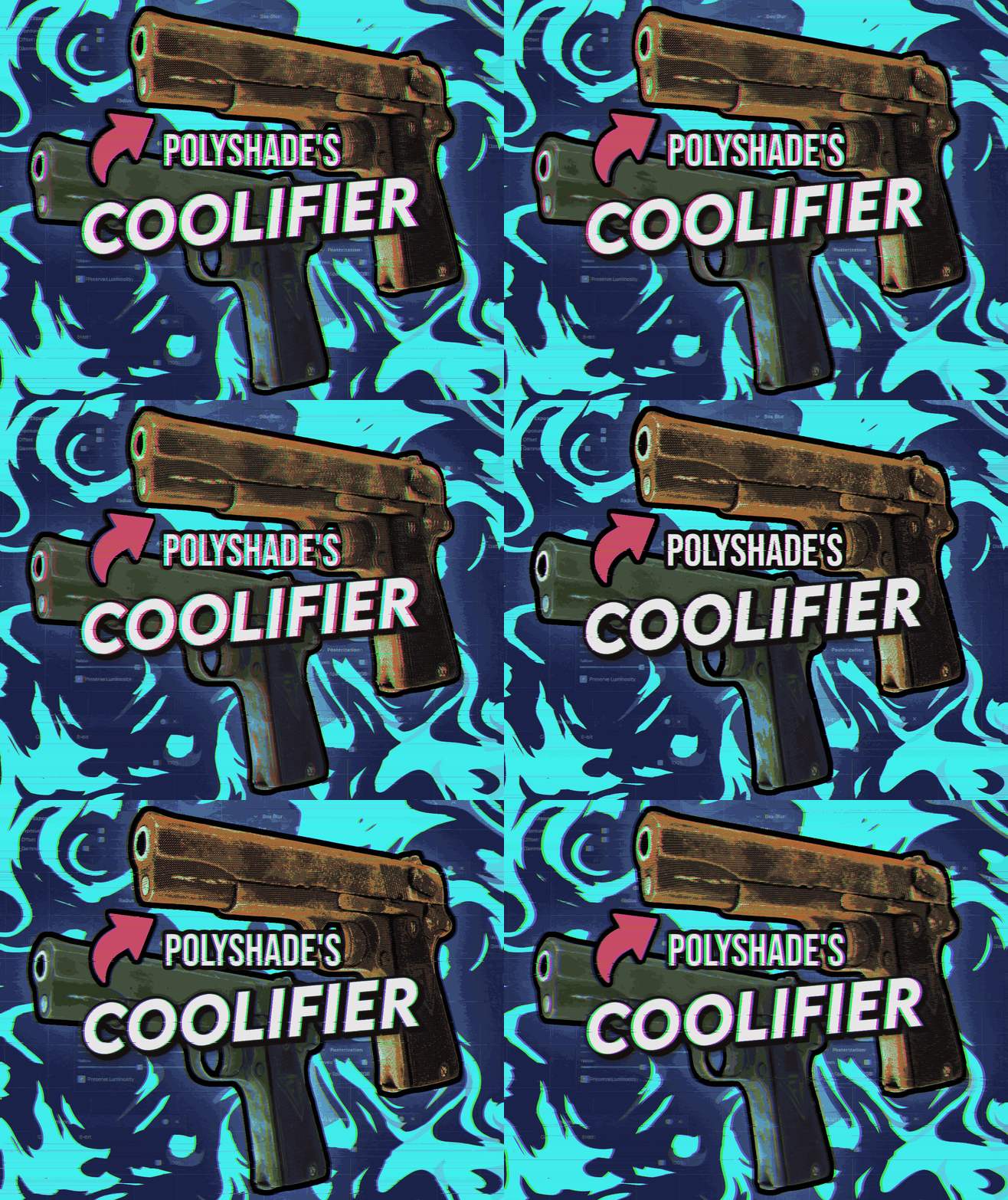
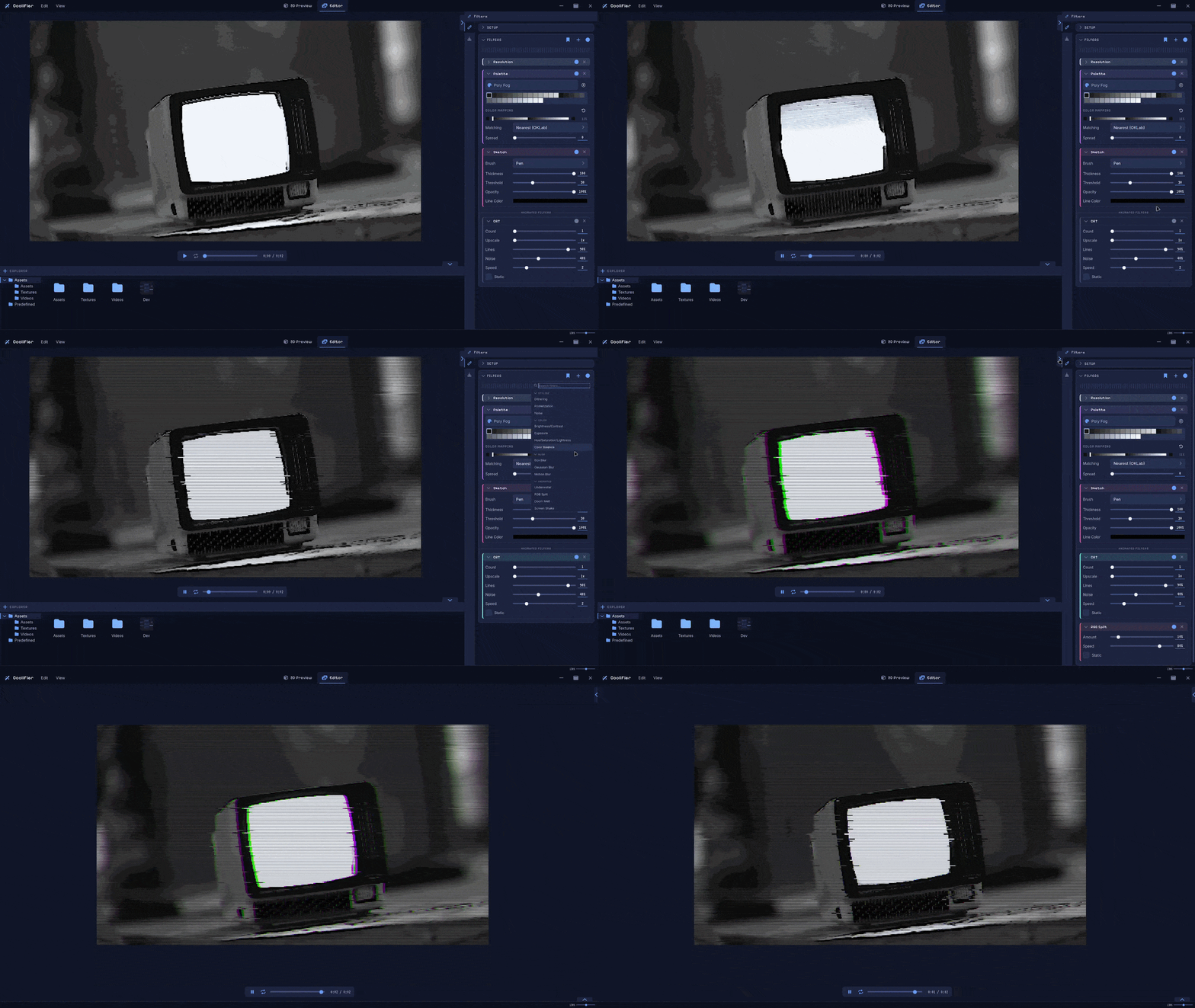
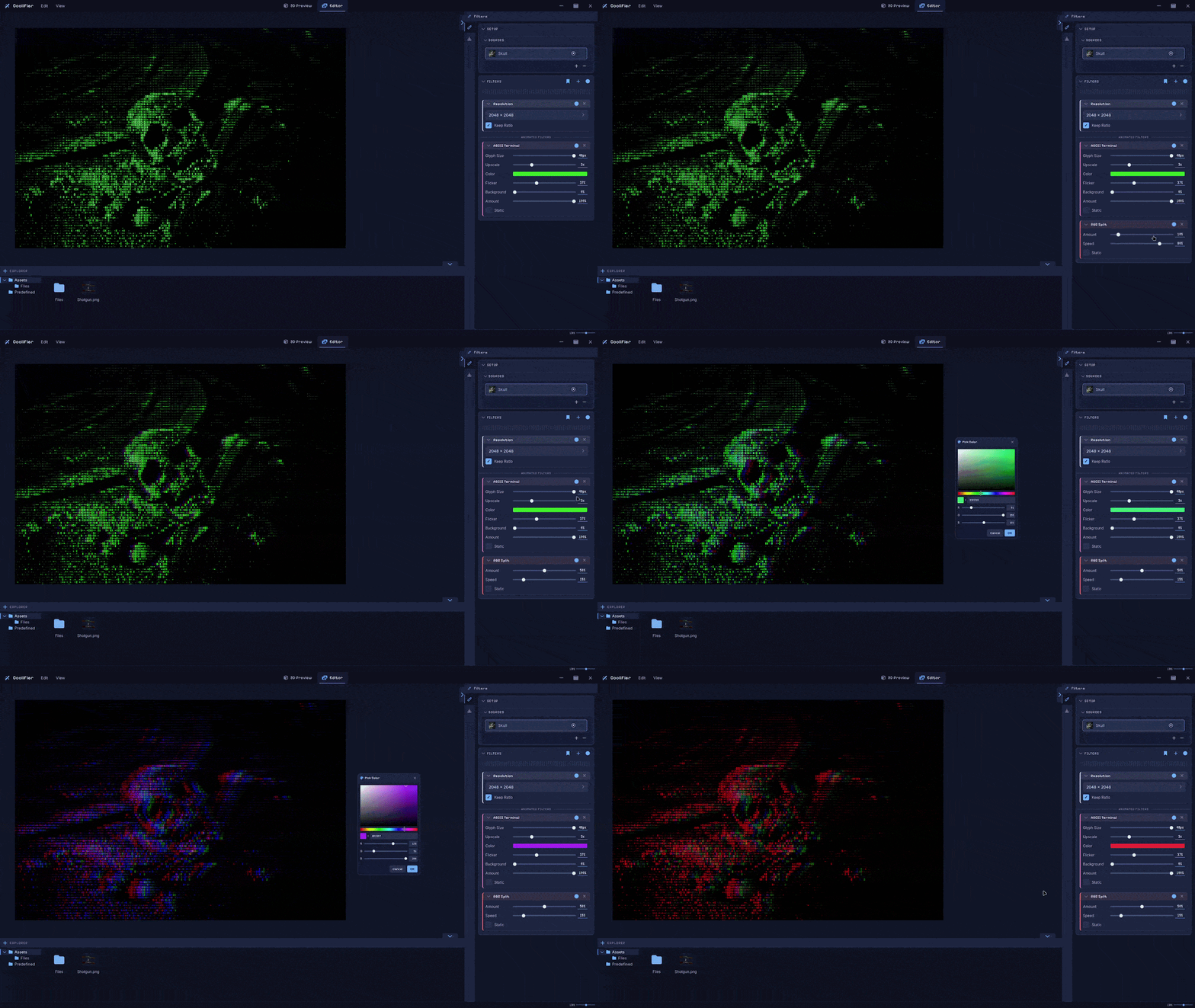
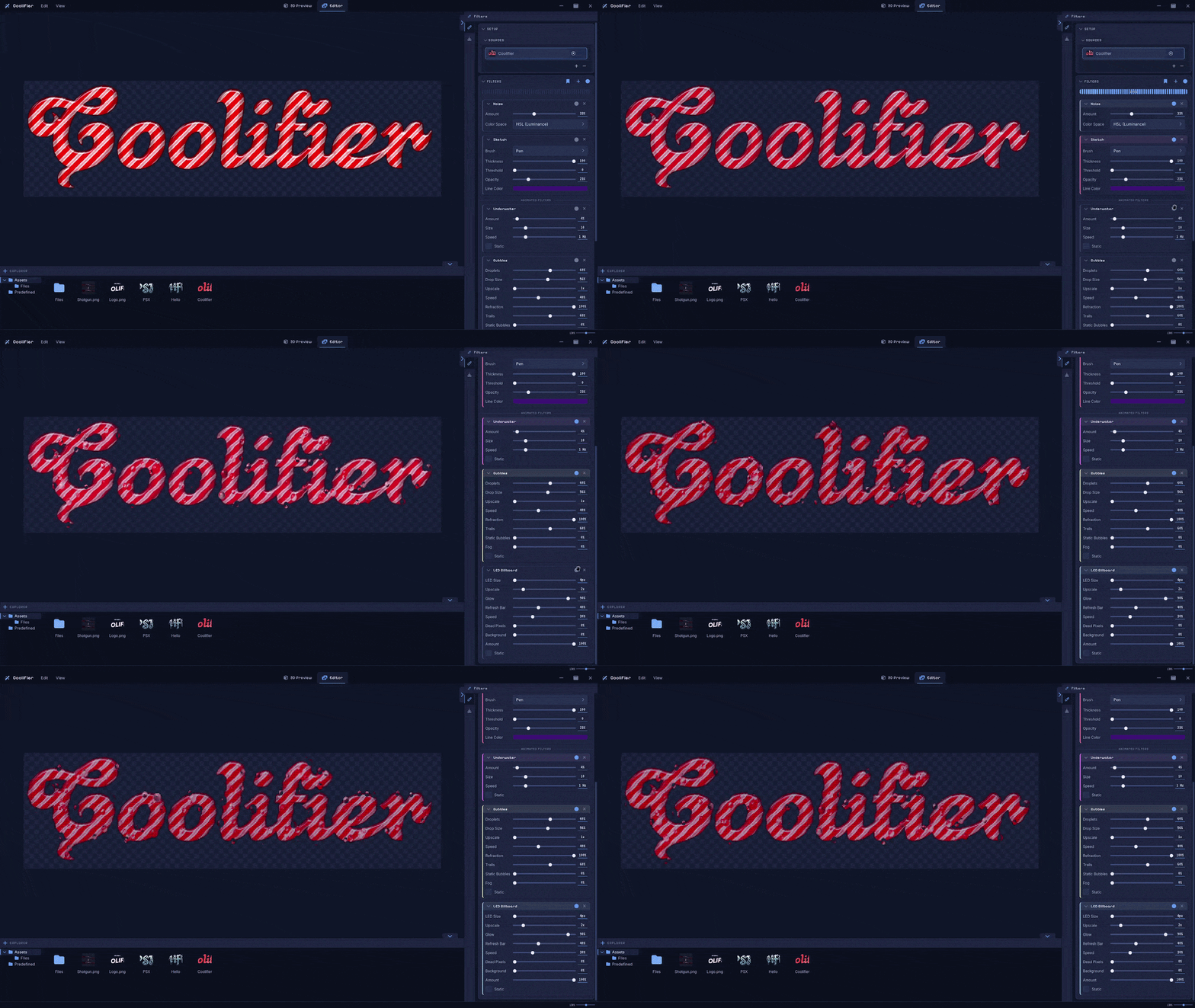
Apply a chain of animated filters to any image. You can use this to create animated thumbnails for your games and asset packs! You can also apply these filters to your 3D models, but only as static effects!
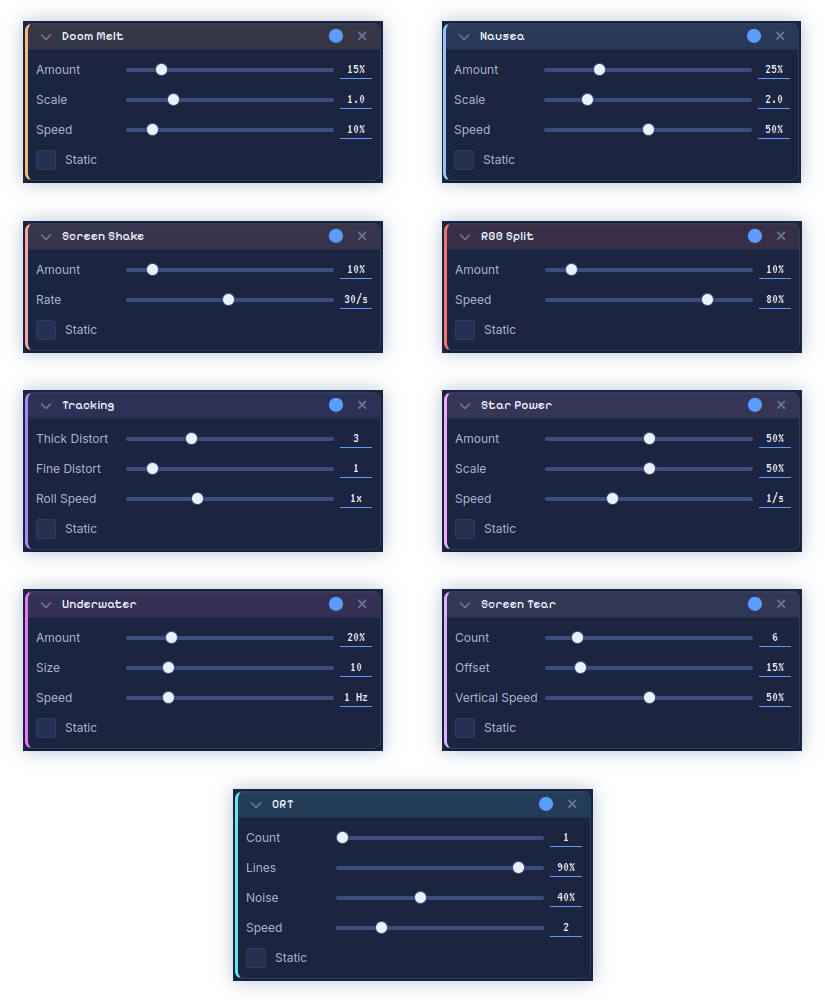
Choose from 20 built-in animated filters. More will be added soon, so feel free to leave a suggestion!
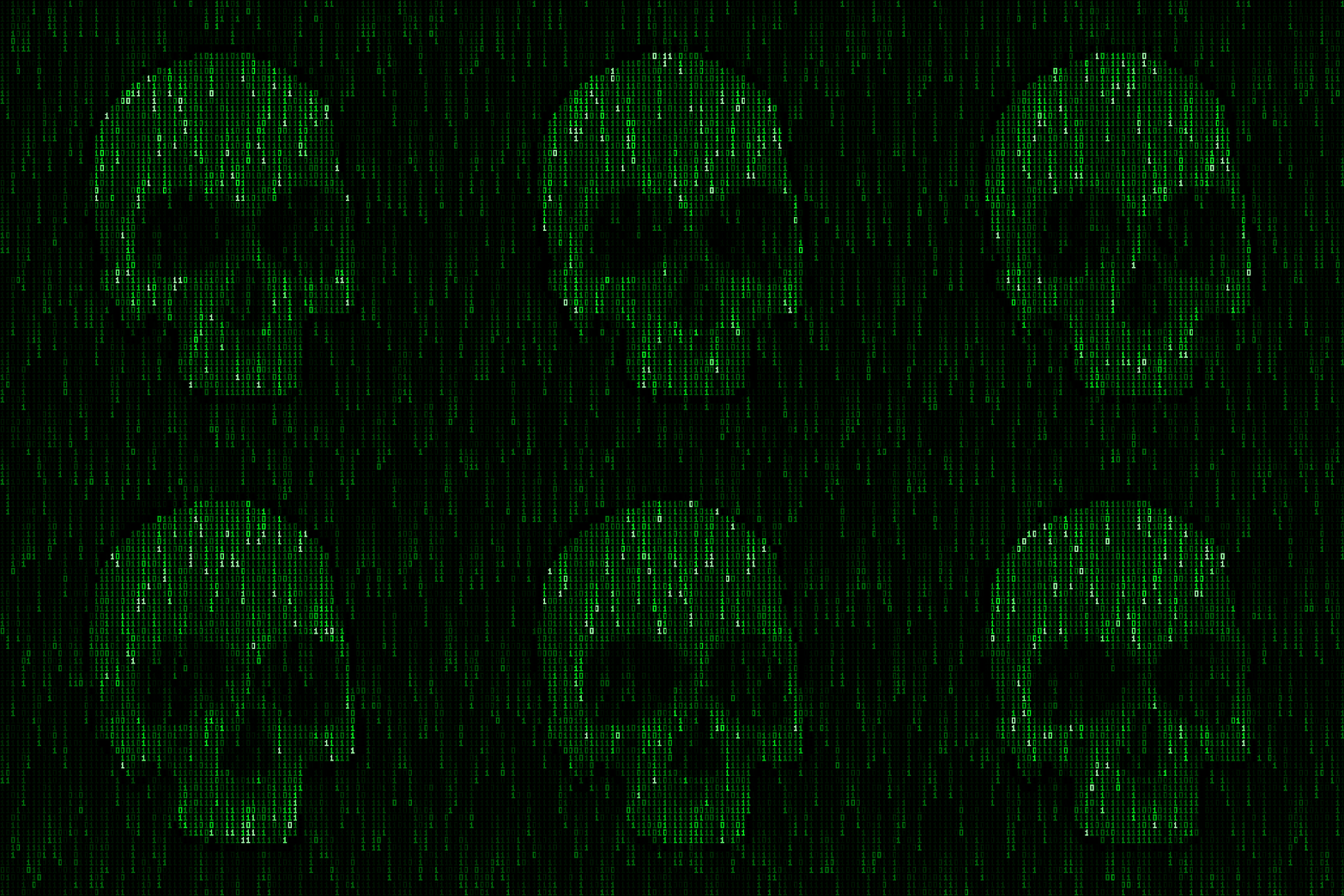
Feel free to join my Discord community and share your ideas for other filters I should add!
Thanks for scrolling this far! While you're here, click on COOL UI to claim a free UI pack! And yes, this thumbnail was animated using this tool, just like everything else you see on this page
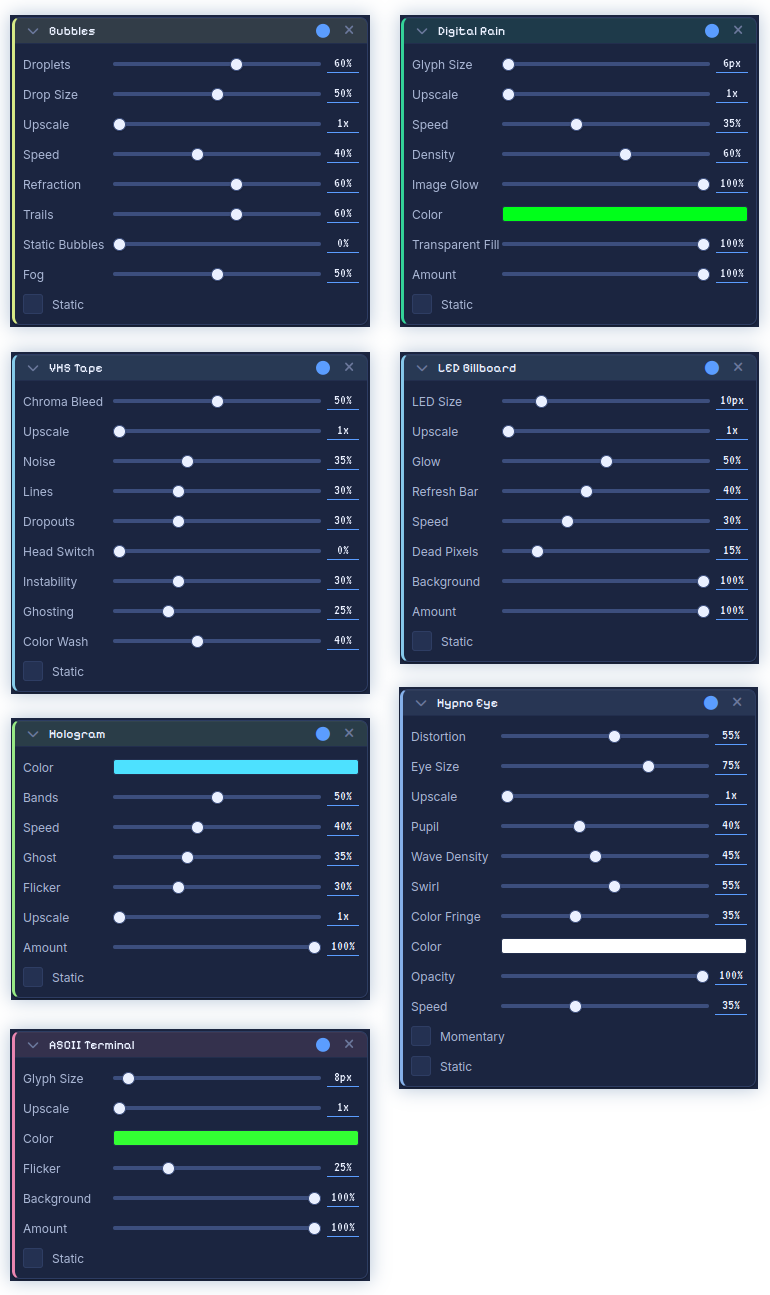
These filters were added in the 2.1.0 update. More are coming in the next one, including tutorial videos!
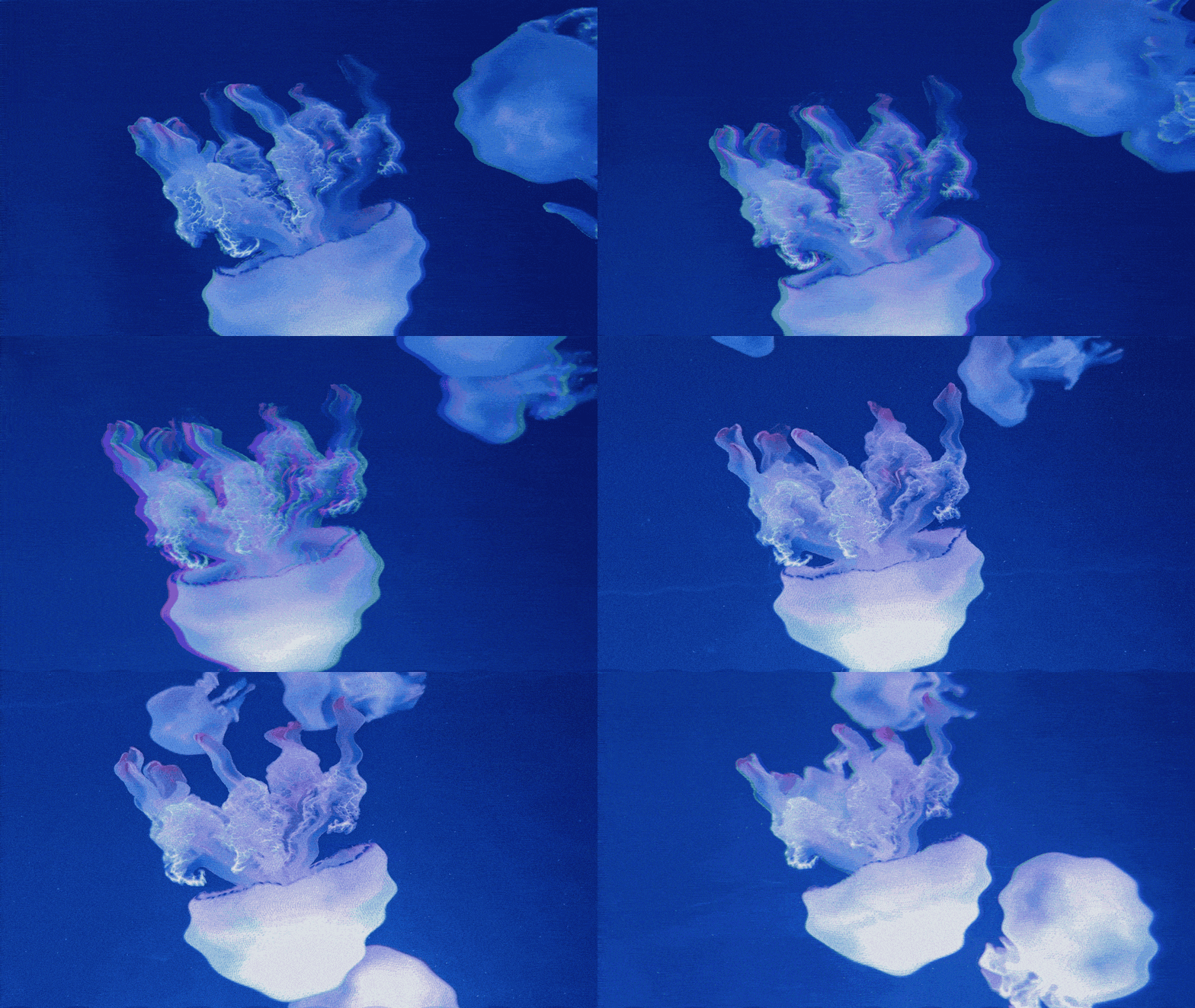
Video Import & Editing with Filters (Experimental Feature). Let me know if you like it! You can use MP4 or other video formats (except GIFs). GIF editing will be added in the near future!


You can also give your text, sprites, tilesets, and other elements cool animations to make everything feel more alive.
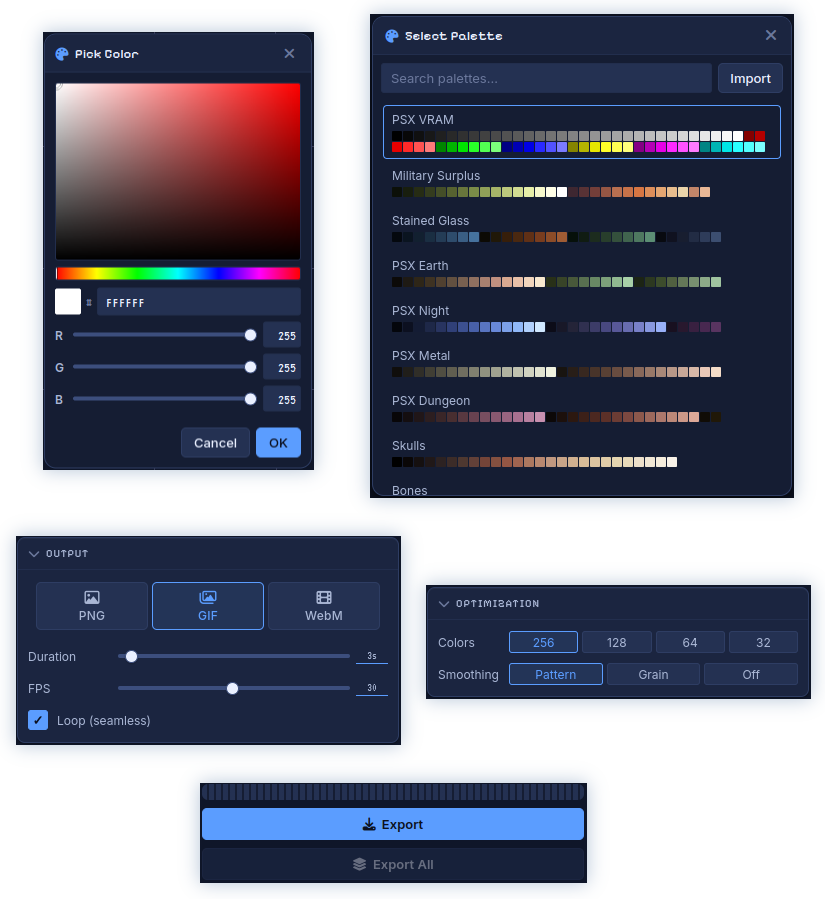
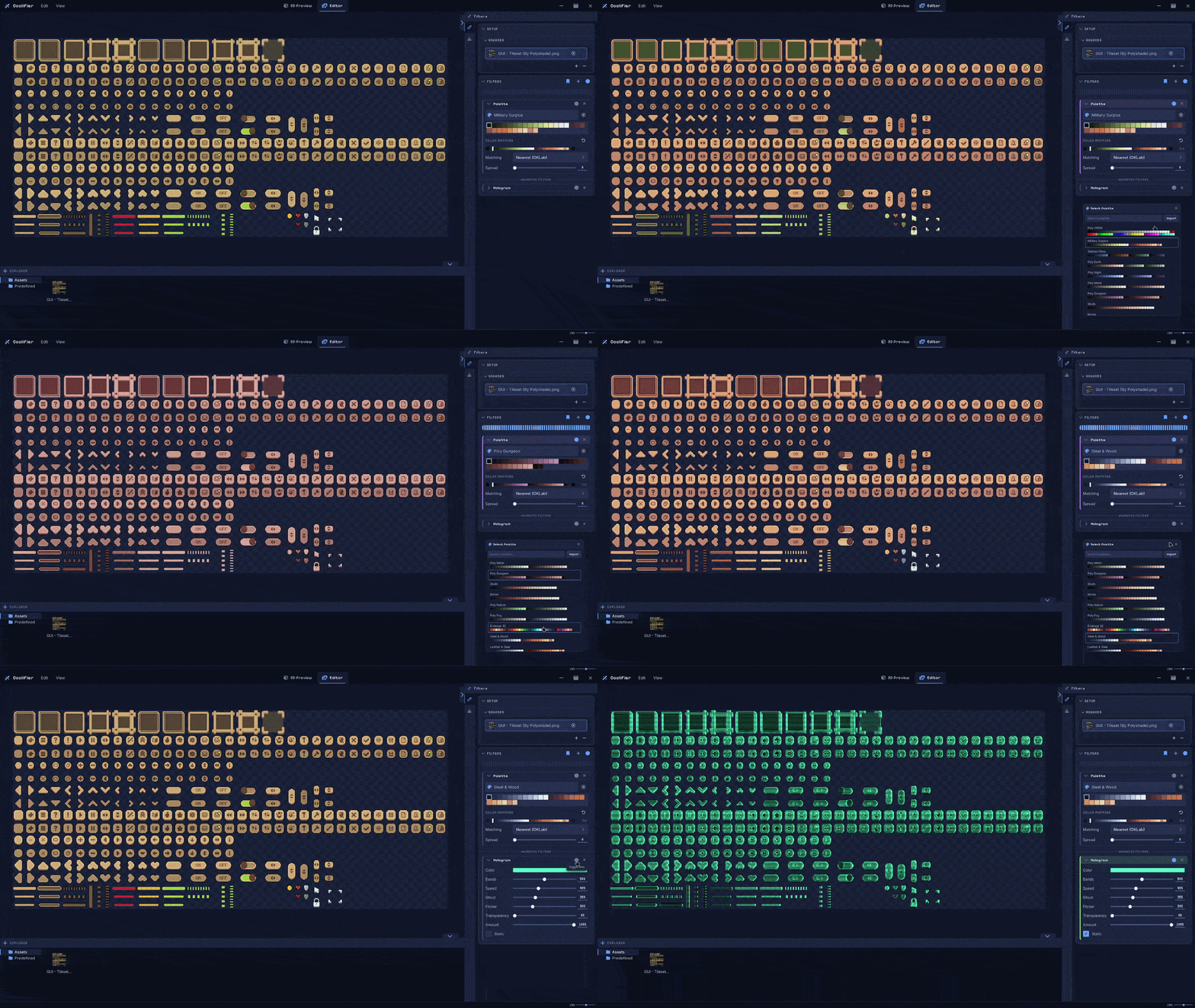
Choose from 100+ built-in palettes, or import your own using .PNG, .TXT and .HEX formats. Export to PNG, GIF, or WebM!
Also, don’t forget to check out Coolifier’s younger bro, Voicifier! You can use it to stylize your audio with effects or generate voice lines for your game!
Community
The tool is under active development. If you encounter any issues or have suggestions, your feedback is appreciated.



Purchase
In order to download this tool you must purchase it at or above the minimum price of 10.00€ EUR. You will get access to the following files:
Download demo
Development log
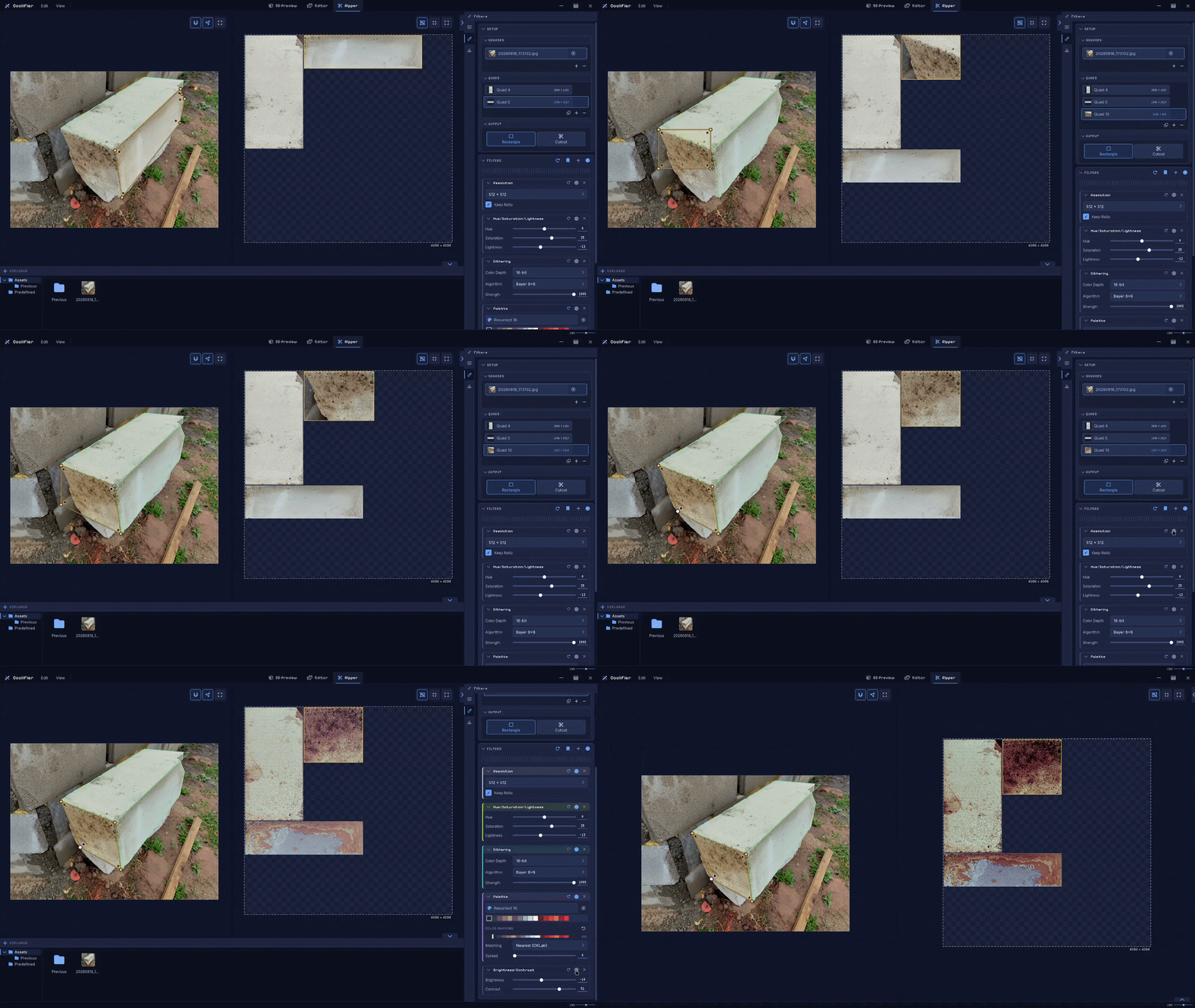
- Major Update 3.0.0: Texture Ripper & More!31 days ago
- Patch Notes 2.2.0: Fixes & New Filters60 days ago
- Patch Notes 2.1.0: New Filters & Improvements61 days ago
- Major Update 2.0.0: The Biggest Update So Far67 days ago
- Patch Notes 1.3.11: Color Profile, Improvements & MoreMay 11, 2026
- Patch Notes 1.3.10: Transparency & New PaletteMay 06, 2026
- Patch Notes 1.3.9: Unlit Mode & ImprovementsMay 04, 2026
Comments
Log in with itch.io to leave a comment.
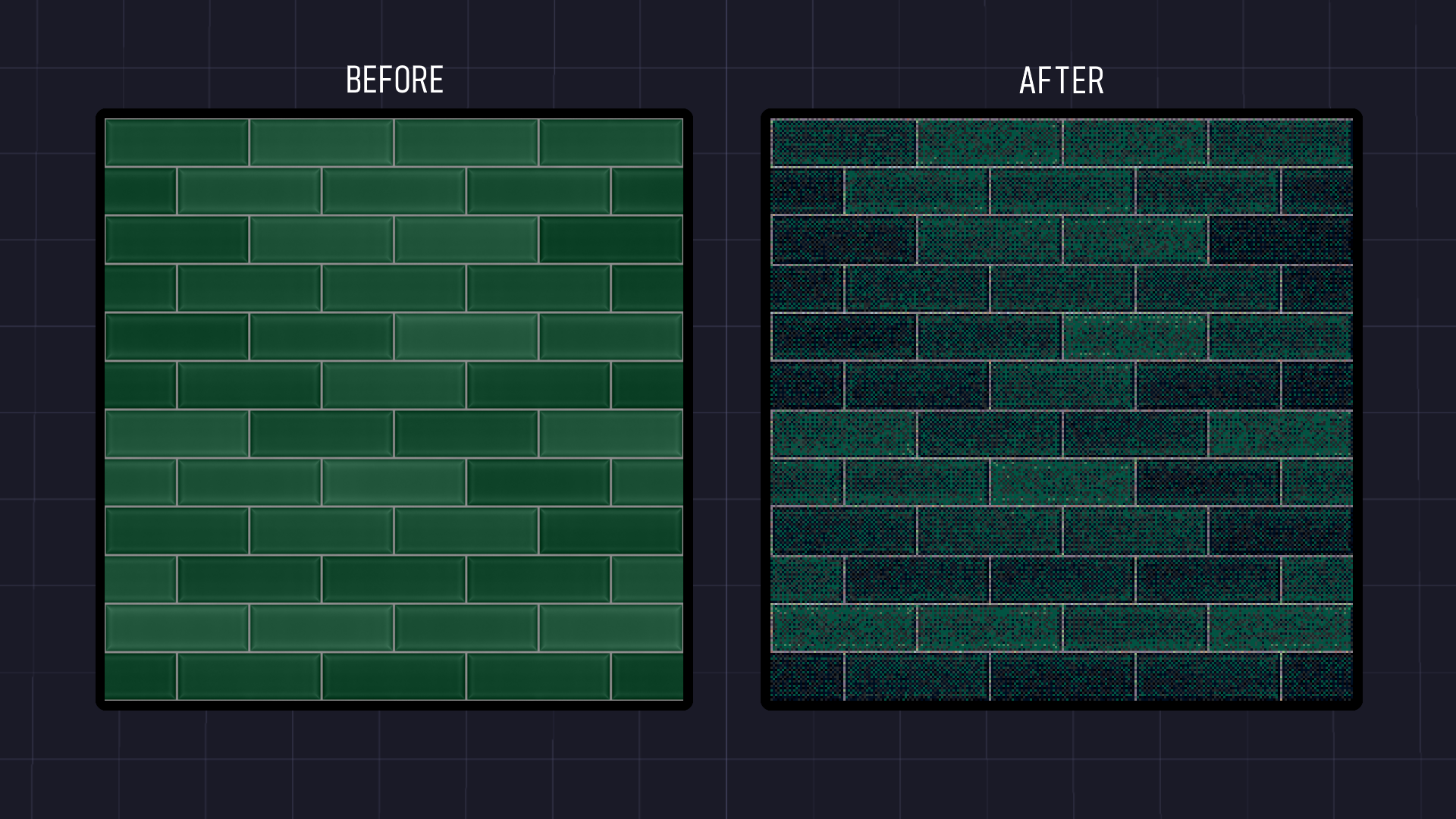
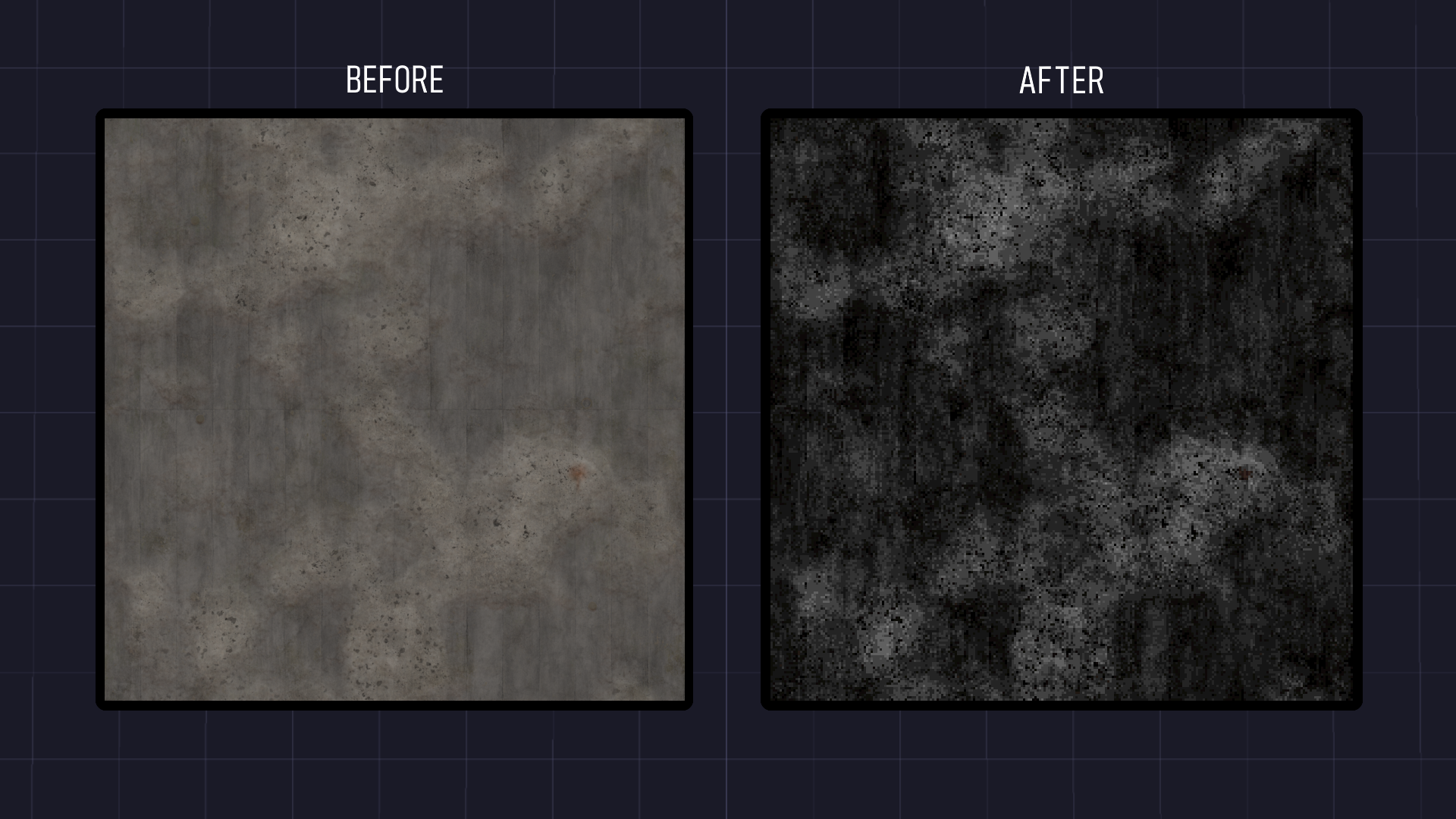
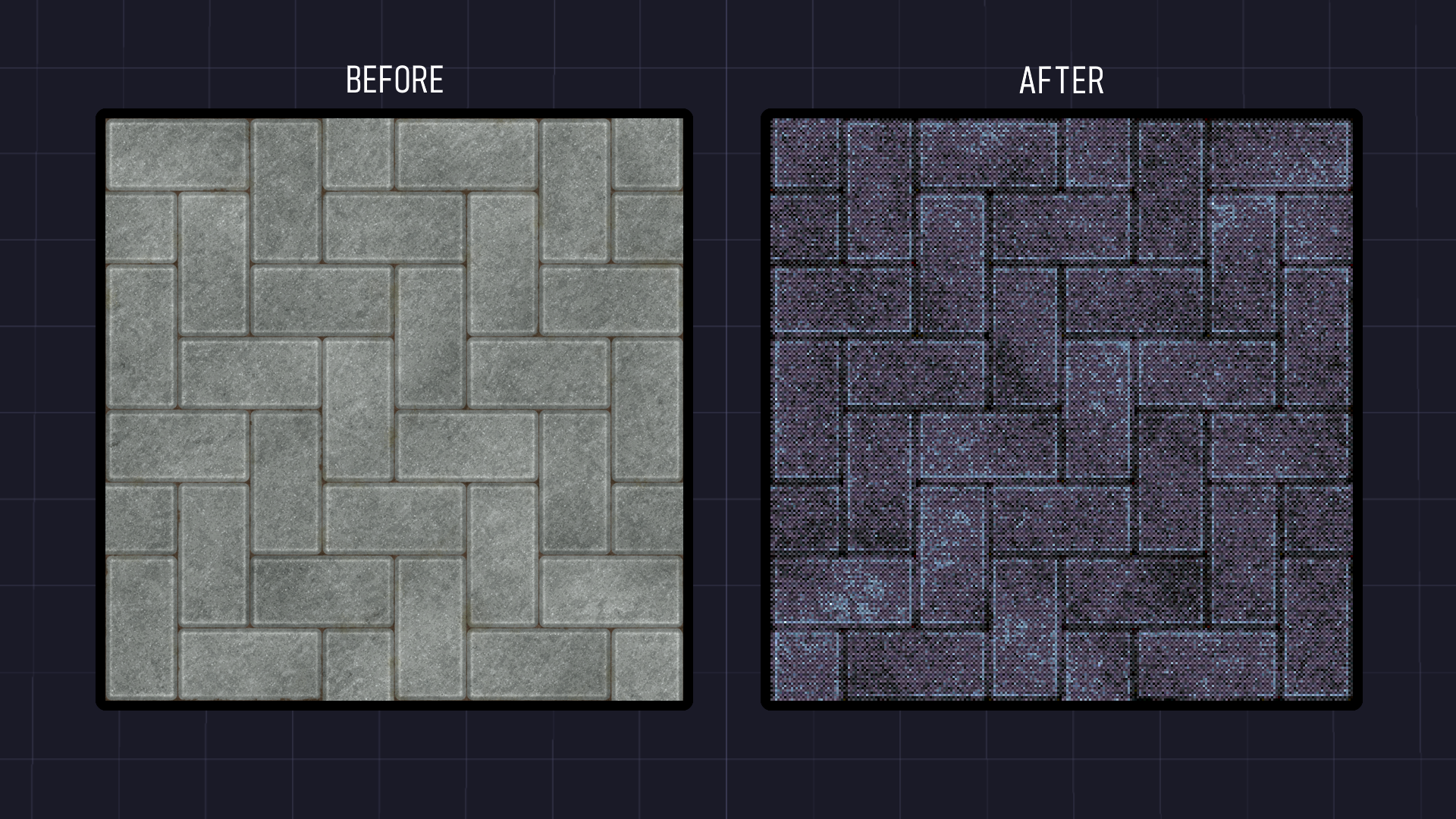
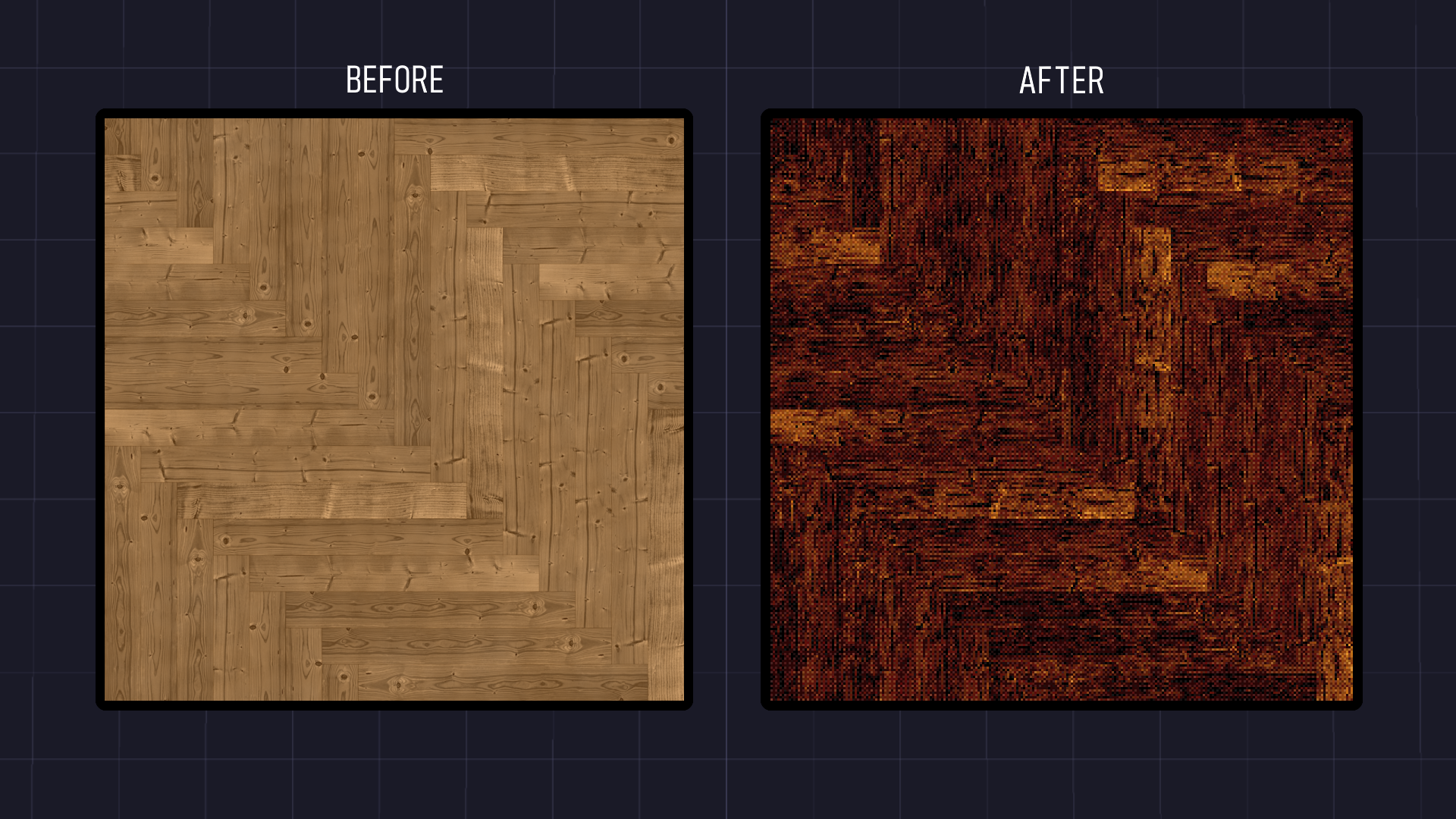
I love this tool so far- I think it has some huge potential with the Texture Ripper part for sure. I was going to use it with my Project Zomboid mod 'EasyPacking' for build 42 support. However I found a gap in what I'd use it for.
What I would use it for is: I have a bunch of textures, and models. The models were made with native zomboid textures versus my own. I would love to be able to see the 'UV mapped' areas so that when I rip a new texture I can fit it into those UV requirements of the other image. That way I can use this tool to 'rebase' a bunch of my textures to in-game Zomboid models!
Keep up the good work!
Really cool game, I need to work out how to jump between platforms better but it flows well and the setting is beautiful. Excellent controls
This is amazing! Thank you for creating such an amazing tool
Thank you so much! I'm cooking up another big update, I hope you will like it.
I want to buy this but i have puck's pixelizer and polyrazor so im not sure if it could do more things which are useful for my game
In addition to what you can do with Puck’s tool, my tool can also create advertising materials. The banners, thumbnails, and text you see, such as "Leave a rating!", were all animated using various filters and exported as GIFs. My tool also supports a wider variety of filters. You can also import and edit multiple assets at the same time. I’m also cooking up an update that will introduce another major feature!
Really cool project! Thanks for improving it more and more! Can't wait to see what other features you have planned!
Thank you!
So...does it use AI or not? I know you're trying to be fun in the description but it does make it hard to tell either way :P
It doesn't use any AI or AI libraries. Everything is done using 100% math, algorithms, shaders, and other traditional programming techniques!
Thanks for the clarification :)
Is a macOS version planned?
It's not planned, but I'll see what I can do! I will try to make a mac build in a couple of weeks, but I'm not sure how's that going to go as I never did one and don't have a mac device to test on.
I hope it's successful because I'd be interested in acquiring this tool :D
same! hell i'll test it for you!
DM, i will test it.
I can pay in advance if it's a concern, or dm me on reddit on your last post.
Normaly macOS build doesn't have so much difference.
Really nice. I've been using mesh-lite previously, but this is way way better.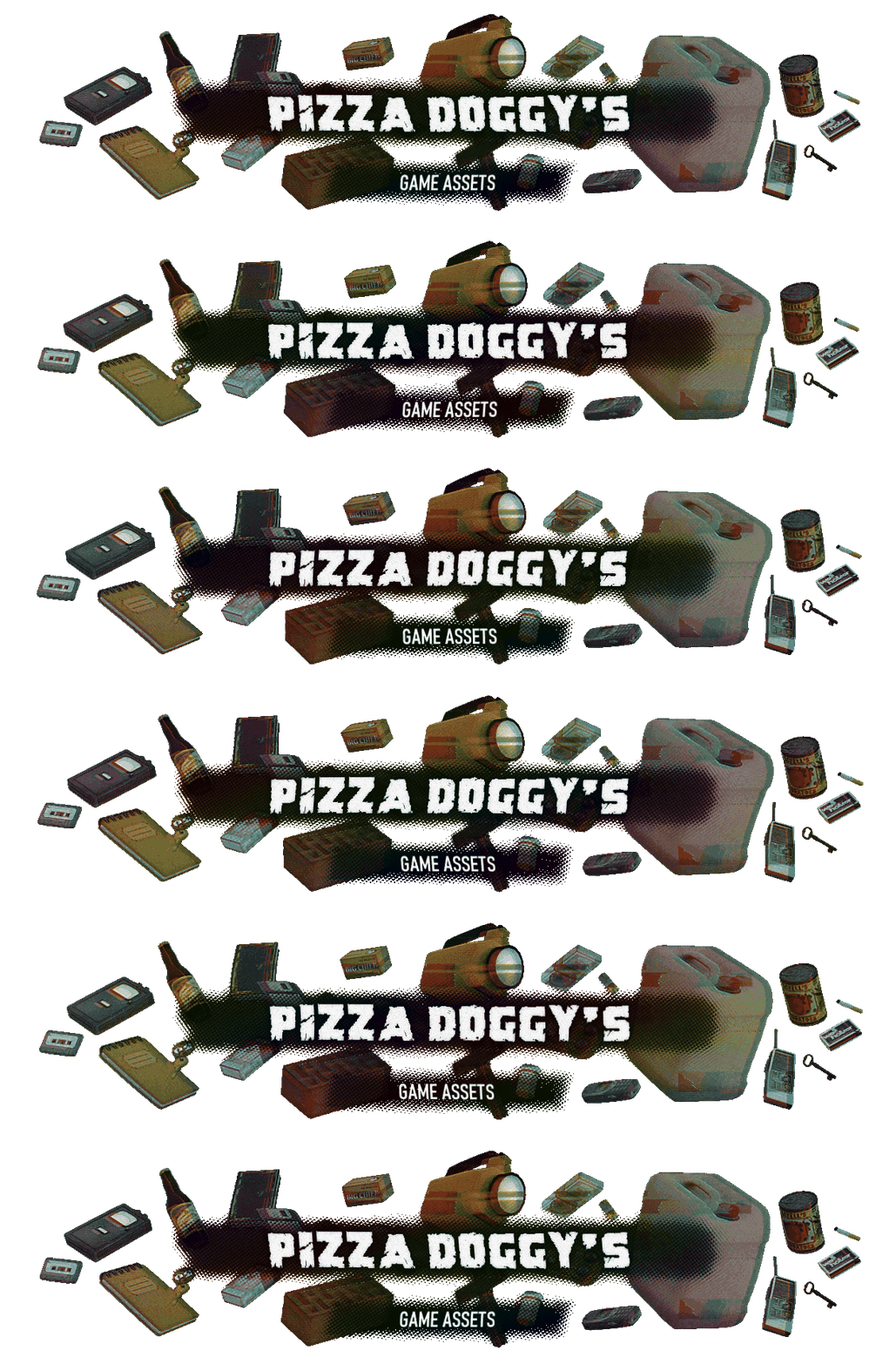
I'd like to suggest new animated effects: heartbeat, differently colored variants for the star power filter, pixelation, blur, vertical shrink into a horizontal line and back to original, bubble deform, color inversion pulse.
hi polyshade i love the tool but there should be a feature to save the filters as a preset
Hey! I've been working on a huge update for the past month, and it's almost ready to release. Filter presets are already implemented, so stay tuned for the next update!
thanks :)
underrated tool !! when is this big update coming out, any eta? :)
Thank you! It should come out very soon - probably in a day or two. I'm in the final stage of polishing and testing!
Is this mostly for PSX style, or do you recommend it for source engine like graphics too?
Sorry for the late reply, but yes!
an outline filter would be nice
I'll try to implement that in the next update! Though, could you be more specific and explain what the "Outline Filter" does? Could you maybe send me some examples?
You can contact me at Polyshade.Support@proton.me
it should be something like a "sketch" filter, it should add a black (maybe you can change the color and opacity?) line when there is contrast between 2 areas. That way, when you have, for example, a brick wall, with this filter, you get a borderlands-like look, since it will add some comic book style black lines on contrasty spots.
Thanks for the explanation. I'll try to implement something like that in the next update!
also being able to bulk use the same filters on a bunch of models/pngs and then bulk export it would be nice too!
Sure thing!
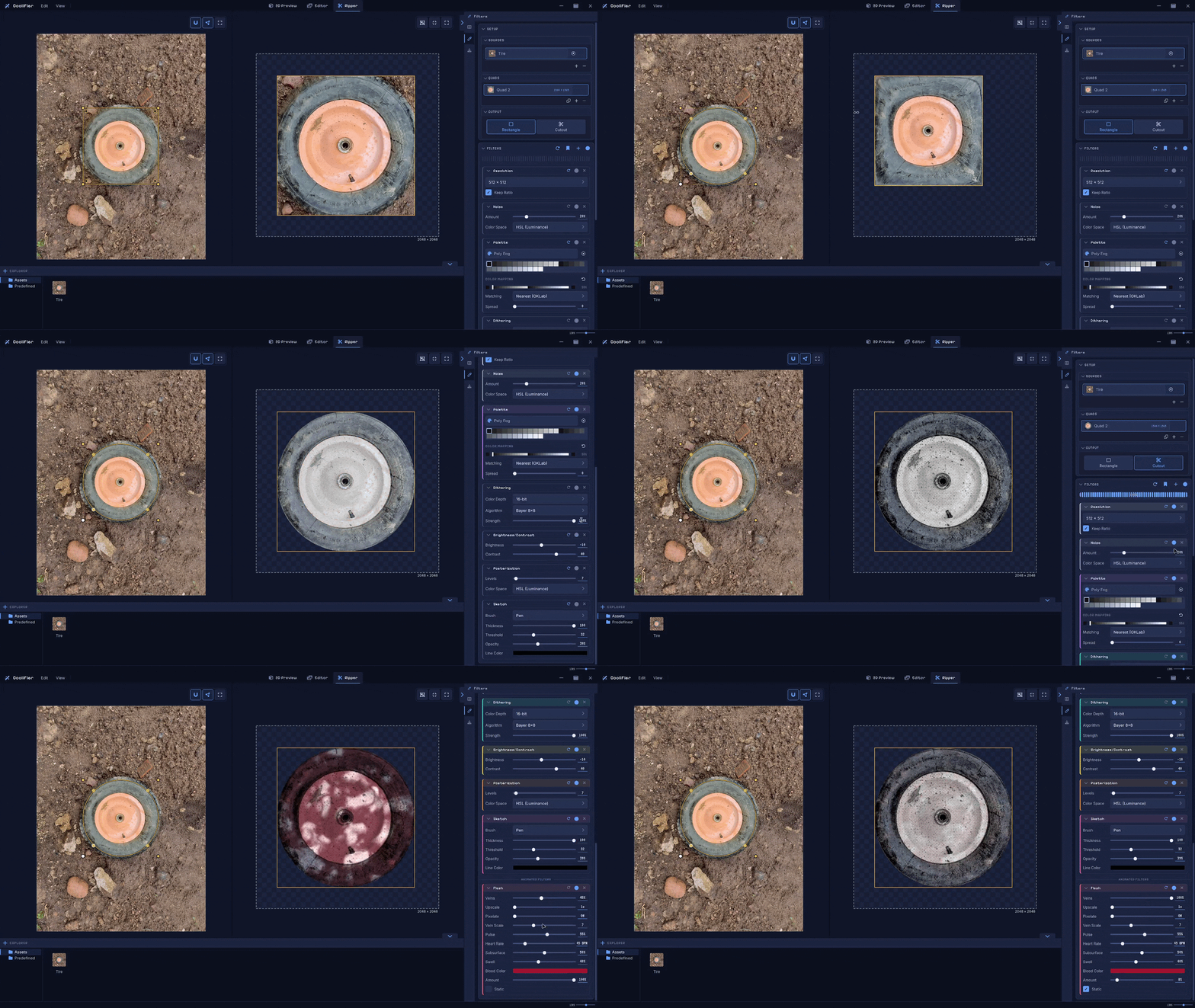
Could you have some higher-resolution screenshots of the UI? the GIFs are too compressed to really see the options
Good catch! I've just added some high-res screenshots. Let me know if you need anything else.